
Diagram as
you design
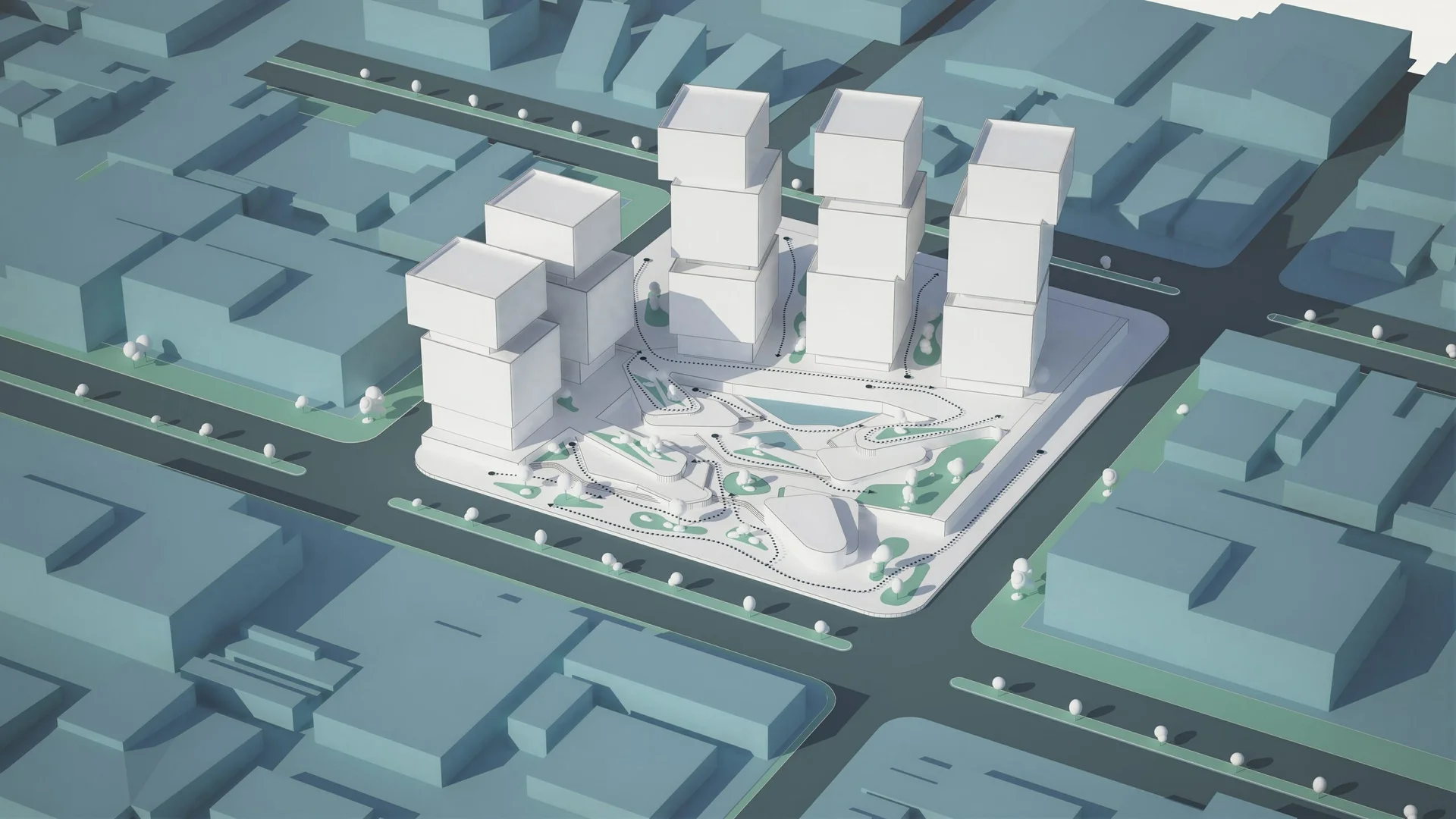
Explain the ideas behind your architecture. Build clear diagrams around your CAD or BIM model and keep them connected as your design develops.
Keep design and diagrams connected
A new camera angle or a change to the model should be a chance to explore an idea. Bring the visual explanation into the design process and keep working from the same 3D scene.
Create diagrams alongside your CAD or BIM model. Try different viewpoints, develop the narrative, and prepare visuals that help others understand the project.
Show the thinking
behind your design
Choose the kind of explanation your project needs, from the big picture to the way people move through it.
Sequence diagrams
Show the steps from an initial massing idea to a developed proposal.
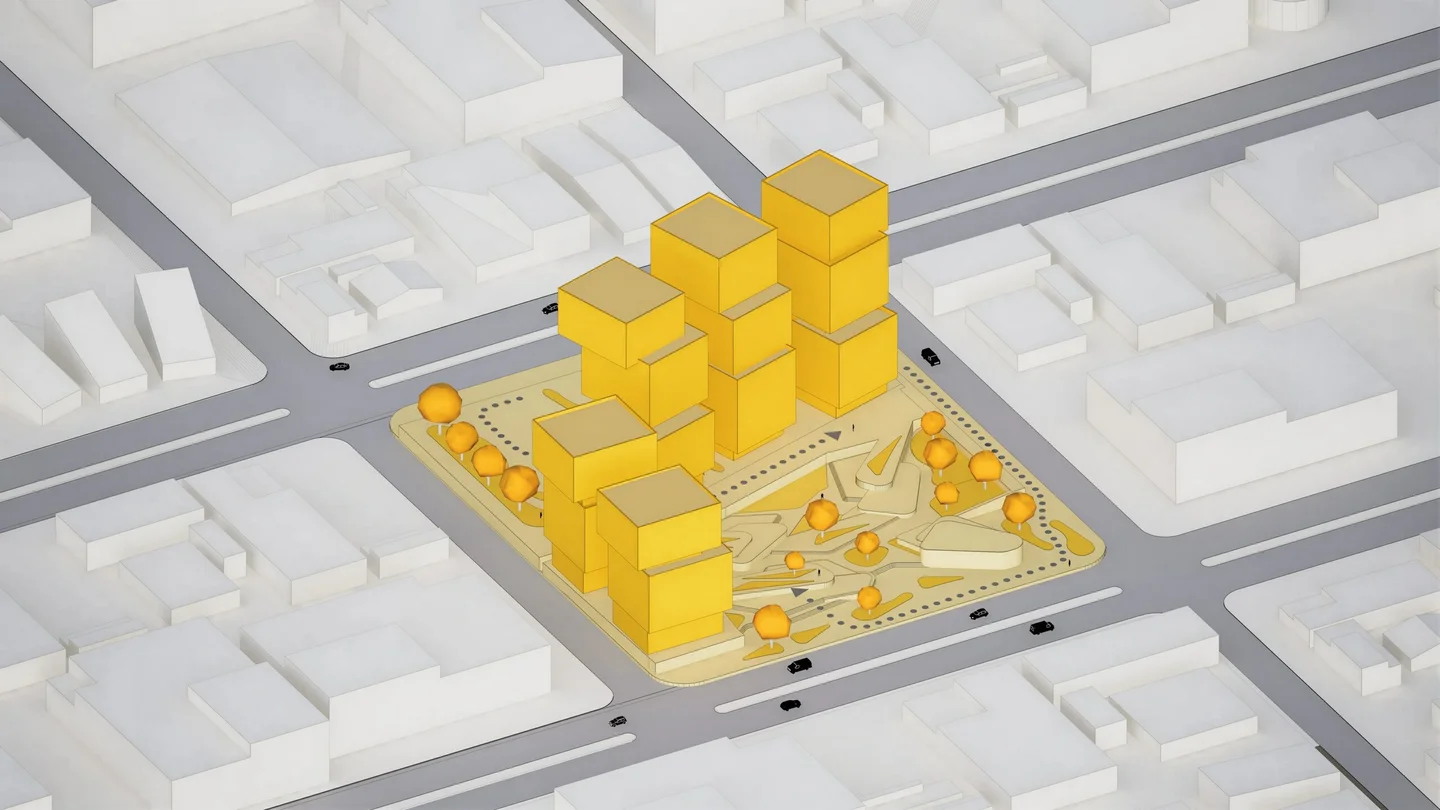
Context diagrams
Place the proposal in its surroundings and explain the relationships that shape it.
Section diagrams
Open up the building to communicate its levels, internal spaces, and organisation.
Circulation diagrams
Make routes and connections easy to follow with arrows and paths in 3D.
Find your Axogram plan
Begin with five saved views on the free plan.
- AI tools included
- Lumion Cloud collaboration included
Axogram Free
For individual projects and occasional use
Create diagrams from your model with five saved views and HD output.
Axogram
For regular diagramming and design teams
Save unlimited diagrams and produce images at resolutions up to 4K.
One project. Many ways to explain it.
Give each diagram its own viewpoint, style, and annotations. Build a collection of explanations around the same model and return to them as the project evolves.
Find your visual language
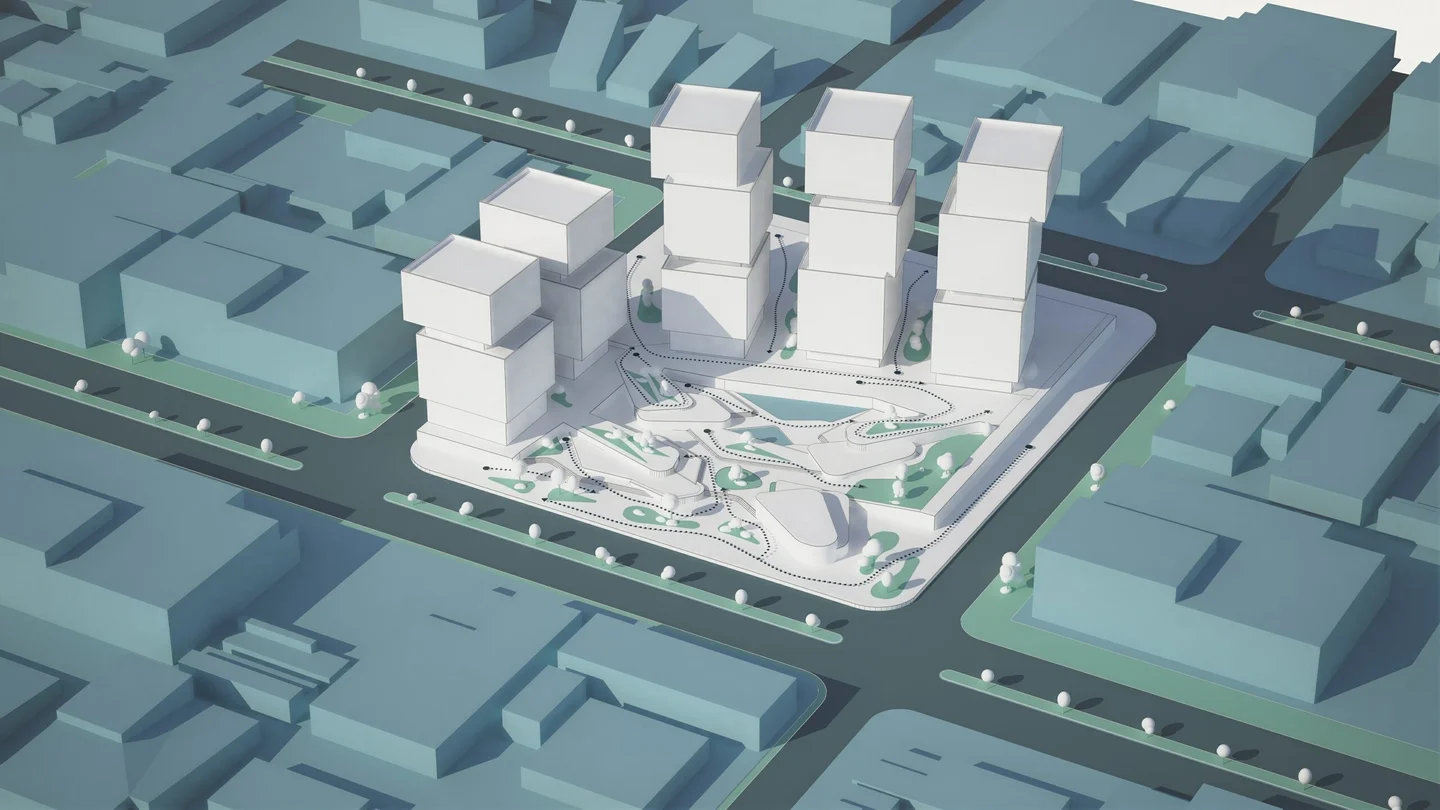
Explore eight architectural styles: Blueprint, Clay, Dual Tone, Ink, Polar, Realistic, Soft Vibe, and Wood.
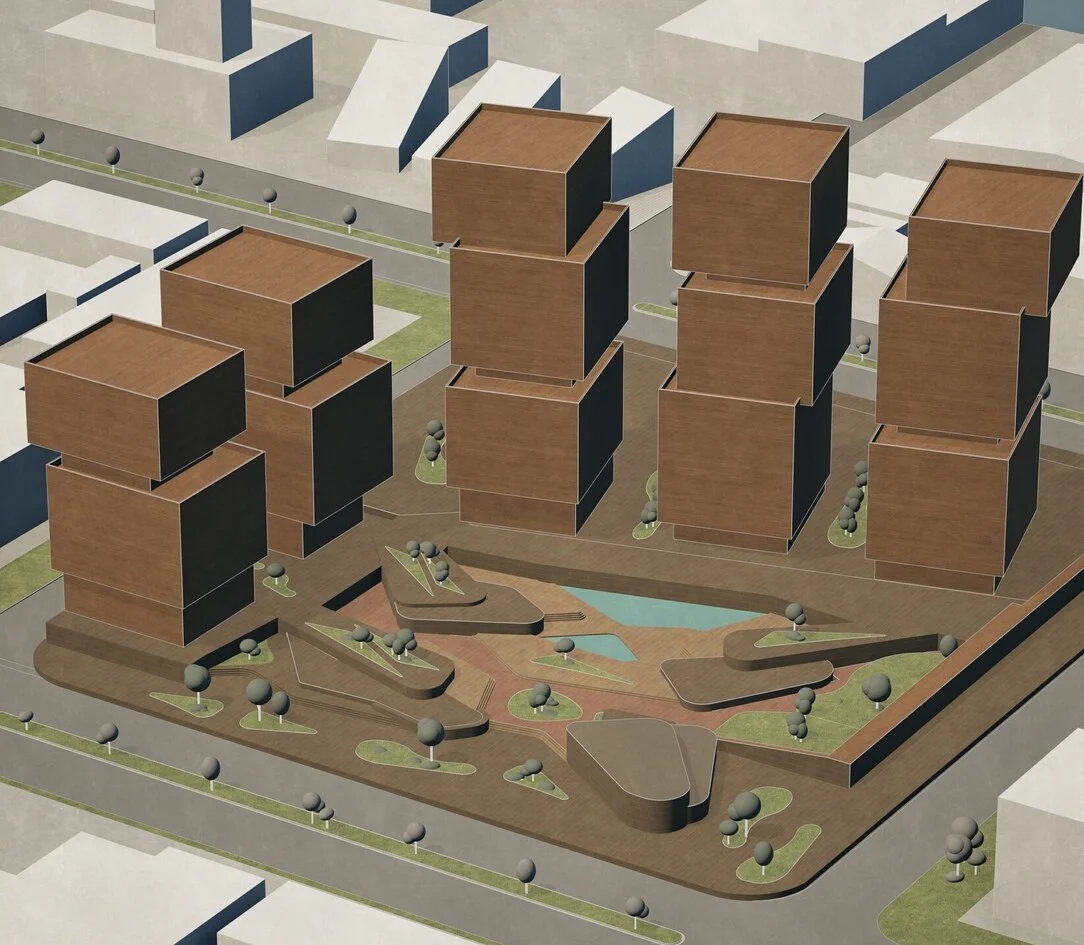
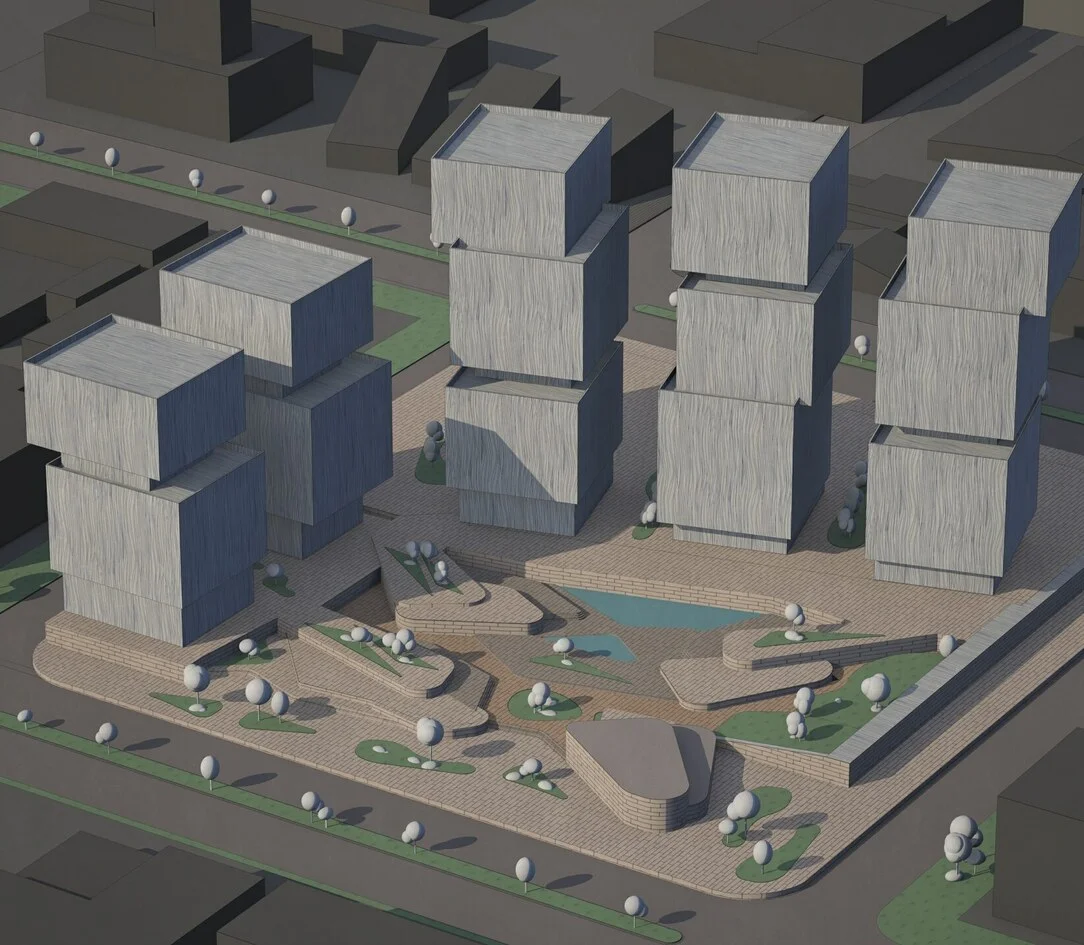
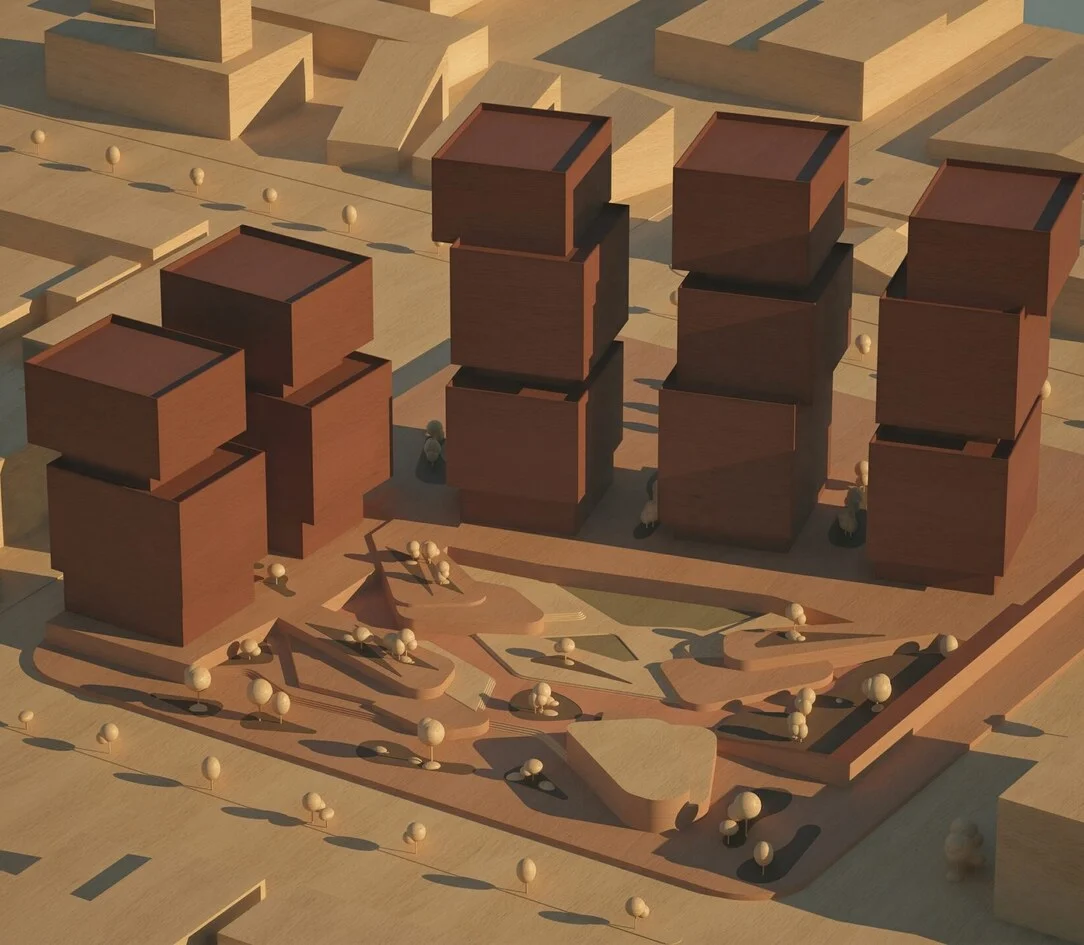
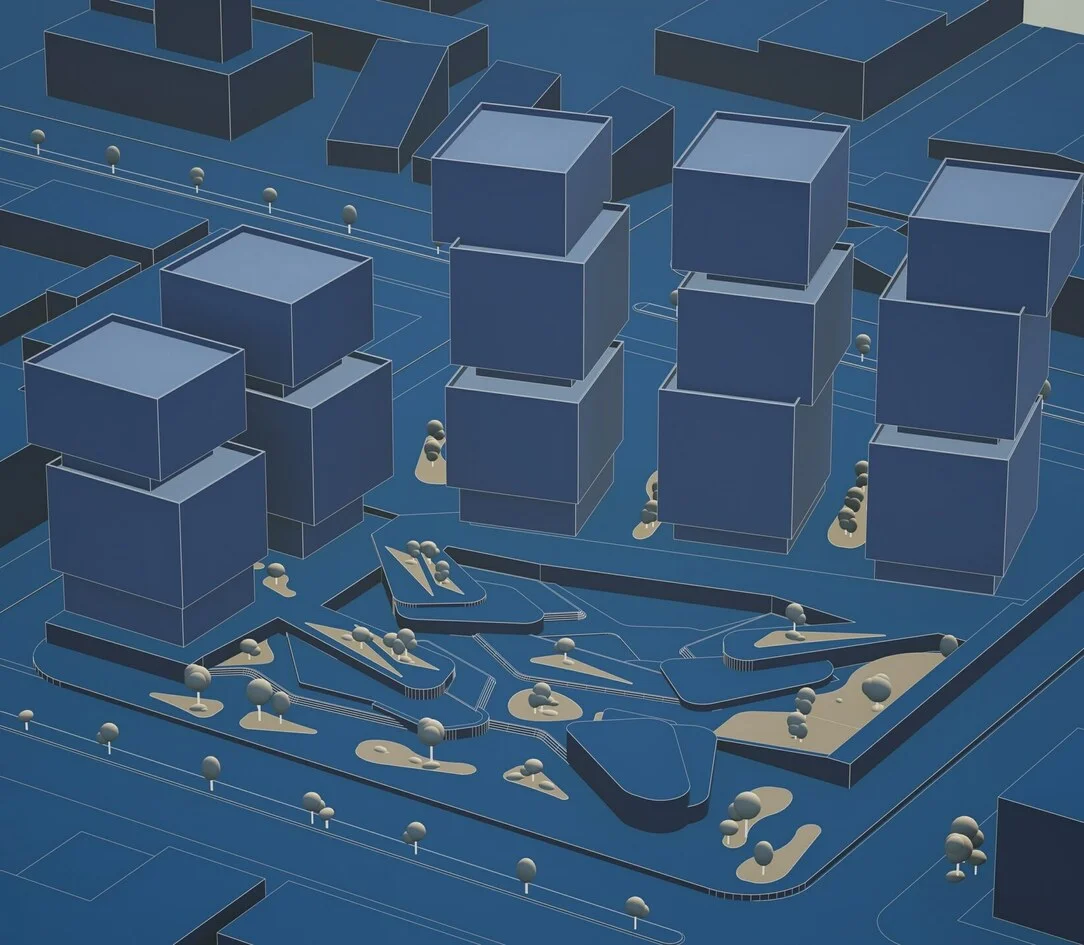
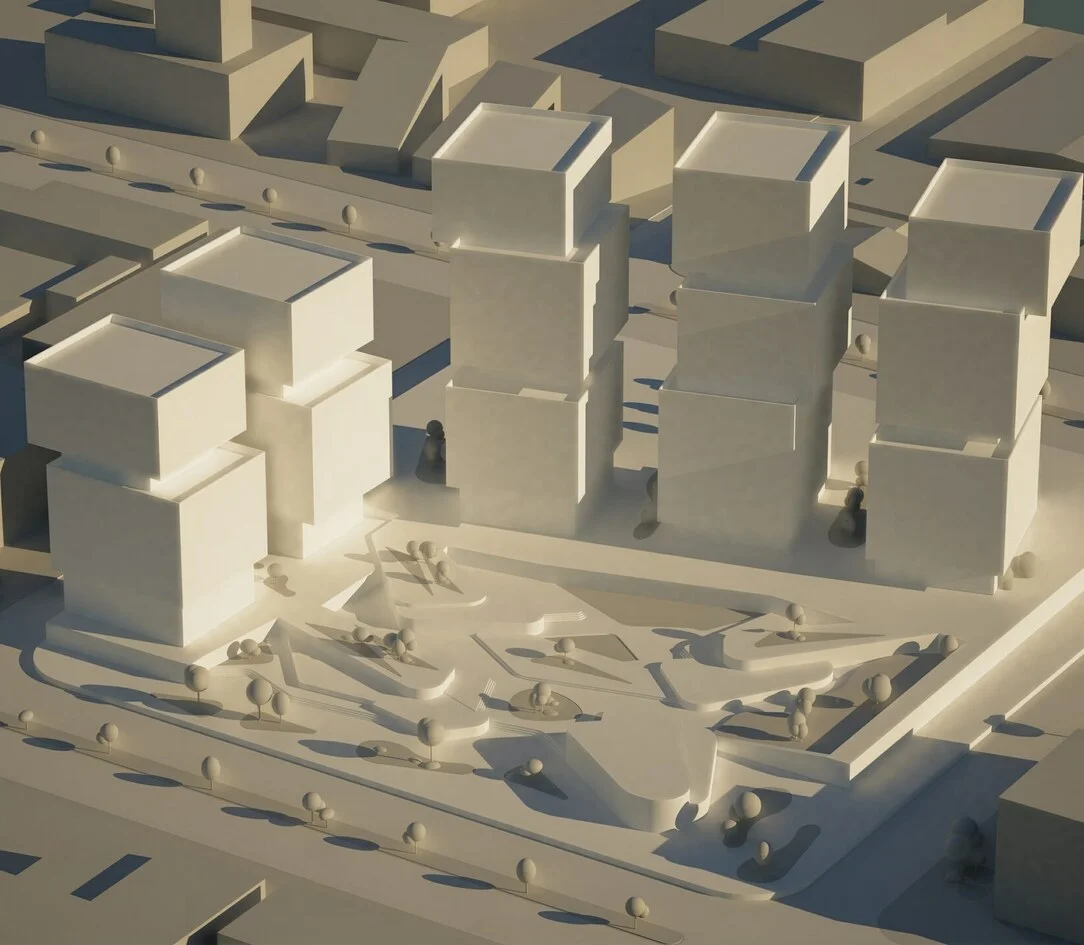
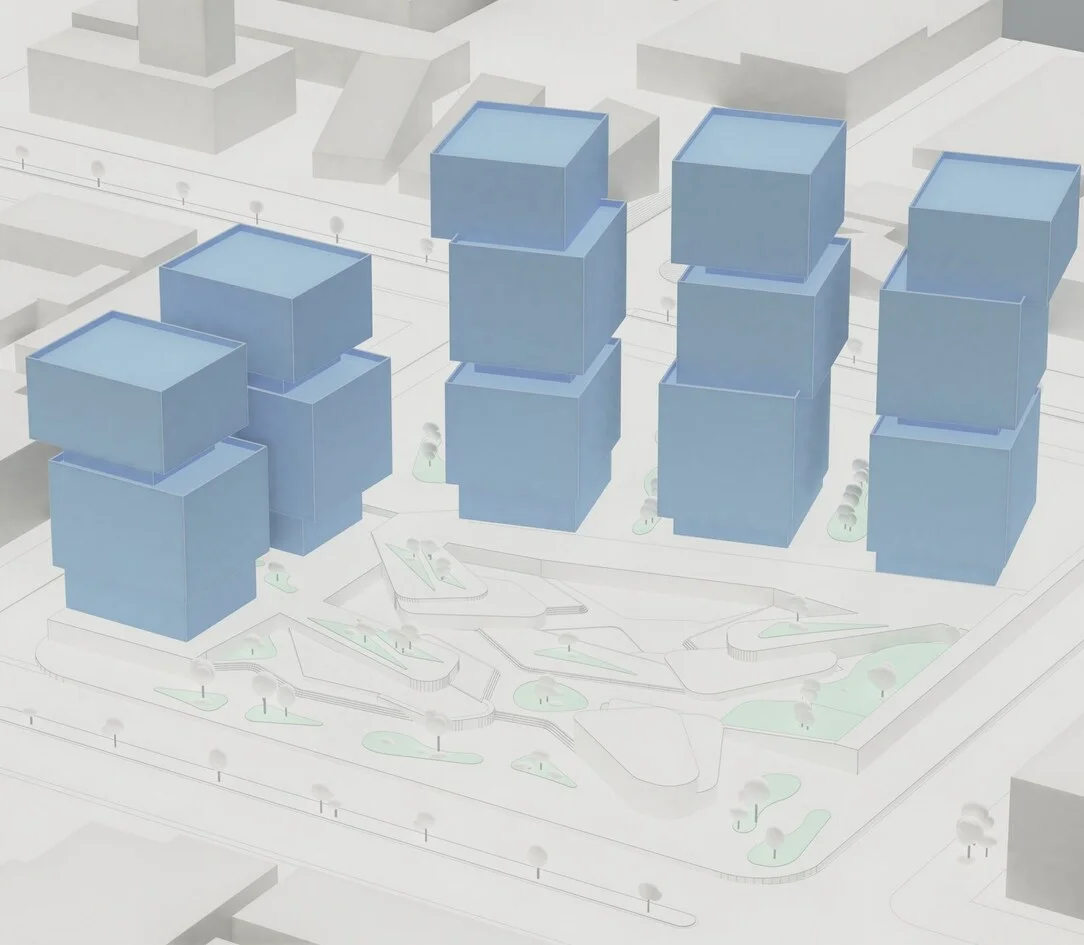
Direct attention to what matters
Use Style Mixer to give selected material groups a different visual treatment. Bring the proposal forward and simplify the surrounding scene while keeping the original model intact.
Give your diagrams more meaning
Make movement visible
Build paths and arrows through the model. Explain arrivals, routes, circulation, and changes between levels.
Keep explanations in place
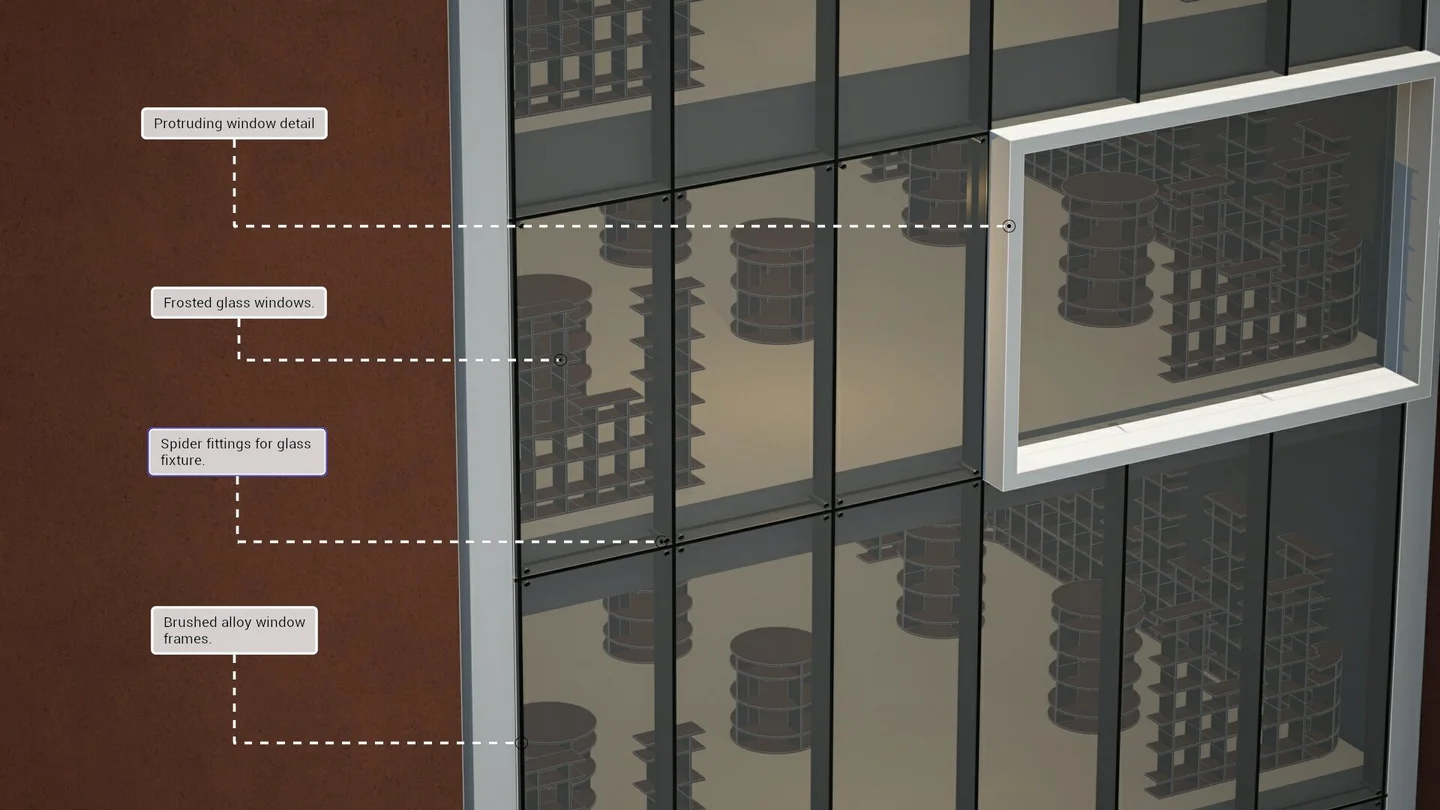
Add labels and symbols around the model. Their anchors stay in 3D as you choose another viewpoint.
Give each space a purpose
Use colour and zones to distinguish functions and show how areas connect.
Bring form into focus
Adjust the sun, shadows, and environment to make the shape of your design easier to read.
Start a clearer design conversation
Take your diagrams into presentations and reviews. Produce high-resolution visuals, then use Lumion Cloud to share the project and collect feedback.
Keep imagery, comments, and versions together so everyone can discuss the same design.
Explore Lumion Cloud
Bring clarity to your workflow
Explain your decisions
Show the relationships and reasoning behind the design.
Work alongside your model
Develop diagrams as the project takes shape.
Explore another viewpoint
Carry your diagram elements into a different perspective.
Keep the workflow connected
Reduce repeated exports and rebuilding between applications.
Your model has
a story to tell
Start with Axogram Free and turn your design thinking into a visual explanation.
Get startedQuestions about Axogram
What does Axogram do?
Axogram is a live diagramming plugin for architectural models. Use styles, paths, labels, and zones to communicate design ideas in 3D.
Which software can I use it with?
Axogram supports SketchUp, Revit, and Archicad on Windows. Check the official compatibility requirements for supported versions and current platform availability.
How many diagrams can I save?
Axogram Free provides five saved views with HD output. Paid plans support unlimited diagrams and output up to 4K.
Will it change the original model?
The diagramming workflow is non-destructive. Your underlying model geometry and materials remain intact.
Can I switch camera views?
Yes. Shapes stay in the 3D scene, and annotations keep their anchors as you explore different perspectives.
Can I keep several explanations in one project?
Diagram Deck organises multiple diagrams within a project. Save separate viewpoints and settings for different ideas or audiences.
Is Lumion Pro required?
No. Axogram works as a separate diagramming product. Lumion Pro is for architectural rendering and animation; you can choose either product to suit your workflow.
Where can I find Malaysia pricing?
Visit our plans and pricing page for local options, or contact our team for help choosing a licence.
Make your next
idea clear.
Bring live diagramming into your next project. Start free or find the right plan for your team.
